Oak Harbor Freight Lines Tracking

If you’re looking to track your Oak Harbor Freight Lines shipment, this page gives you everything you need. Enter your PRO or BOL number and get instant updates. If your tracking does not update or you need help, Freight Specialist can assist.
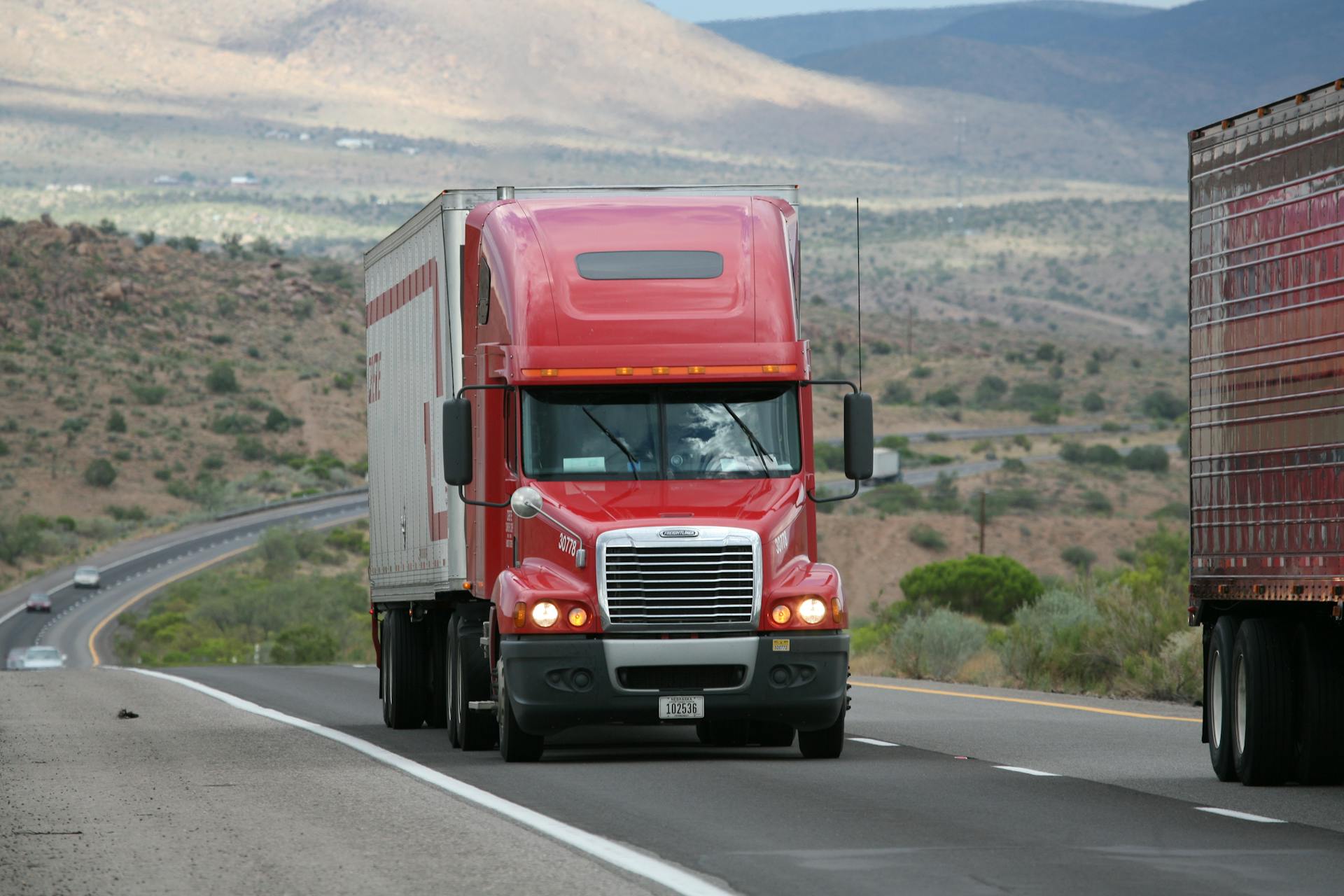
Full Truckload vs LTL shipment on truck

🔍 Track Your Oak Harbor Shipment

Use any of these numbers to track your freight:
  • PRO Number
  • Bill of Lading (BOL)
  • Purchase Order (PO)
  • Reference Number

❗ Oak Harbor Tracking Not Working?

Here are common problems:

Shipment Not Found

Possible reasons:

  • Incorrect PRO number
  • Pickup not yet completed
  • Carrier has not entered the data

Tracking Stuck

Often caused by:

  • Delays between terminal scans
  • Weather issues
  • Partner carrier movement

Delivered but Not Updated

Some Oak Harbor terminals update status after delivery.

If your freight is stuck or missing, we can help.

⭐ Need Help With Your Oak Harbor Shipment?

Freight Specialist can:

👉 Get Help or Request a Quote:
https://www.freight-specialist.com/get-a-freight-quote/

🚚 About Oak Harbor Freight Lines

Oak Harbor provides LTL service across:

  • Washington
  • Oregon
  • California
  • Nevada
  • Idaho
  • Utah

They are known for dependable regional coverage but tracking delays can occur during transfers or high-volume periods.

🔄 Carriers With More Accurate Tracking

Freight-Specialist also works with carriers known for better visibility:

  • XPO
  • Estes
  • Saia
  • R+L
  • TForce

We can match your shipment with the best carrier for speed, price, or tracking accuracy.

❓ Oak Harbor Tracking – FAQ

What numbers can I use to track Oak Harbor freight?

You can use PRO, BOL, PO, or reference numbers.

Why is my Oak Harbor tracking not updating?

Their scans are not real-time and sometimes update late.

Can you track my shipment for me?

Yes. Freight Specialist can manage tracking and carrier follow-ups.

Does Oak Harbor offer GPS tracking?

No. Tracking updates only at terminal scan points.